 Tutorials
Correct the periodicity of the new model
From the main interface open the "Edit" menu and select "Box and Periodicity" to reproduce the periodicity of the initial model describing properly the simulation box (a \(=\) b \(=\) c \(= 35.6621\) Å, \(\alpha = \beta = \gamma = 90~^{\circ}\), and be sure to use Periodic Boundary Conditions), then apply changes.
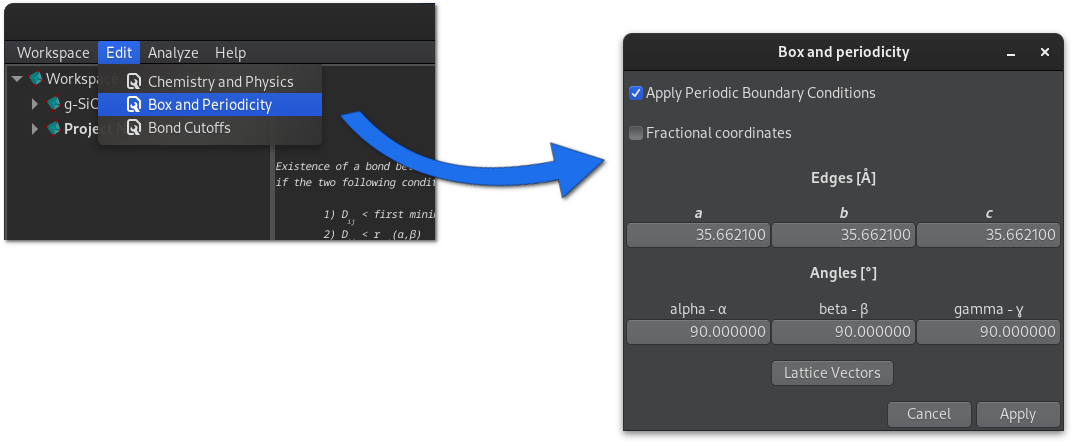
The new model now uses periodic boundary conditions, if required the box can be displayed in the 3D window using the corresponding menu button: "Model -> Box -> Show/Hide".