 User manual
Mouse interaction with the OpenGL window: edition
It is possible to activate the mouse "Edition" using the "Tools" menu:
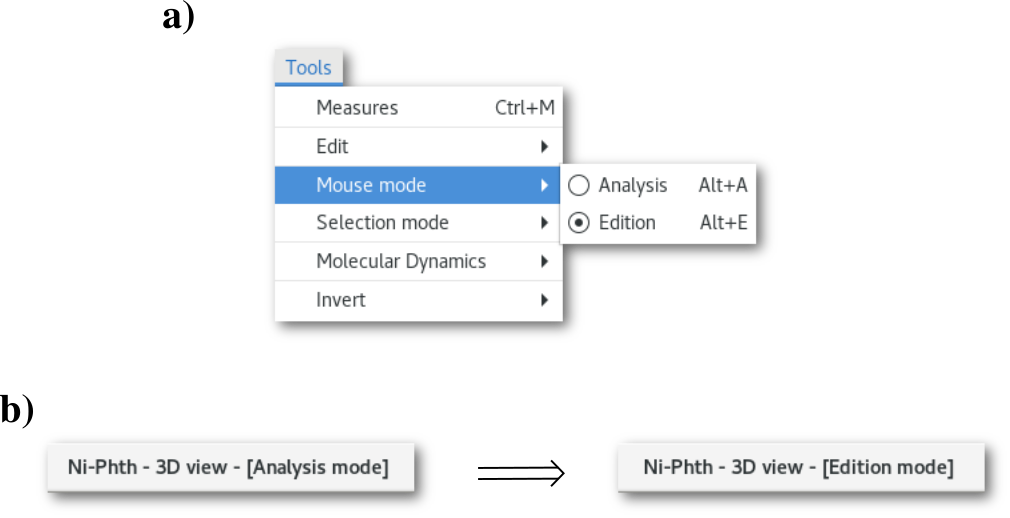
It is also possible to use the Alt+e keyboard shortcut, and to switch back to "Analysis" mode using the Alt+a shortcut.
In "Edition" mode the mouse button functions are the following:
Left button
Single click on object: object selection
Pressed on background + motion: selected (only) atomic coordinates rotation \(^*\)
Scroll button
Scrolled: zoom in/out
Pressed + motion: selected (only) atomic coordinates translation
Right button
Pressed on background: edition contextual menu
Pressed on object: object edition contextual menu
\(*\) The rotation is performed around the coordinates barycenter of the selected atoms.